
A location needs its own front door
Connect the local number to that office's hours, greeting, team, and unanswered-call path.
Choose an available local number and connect it to the greeting, hours, team, and fallback for that market.
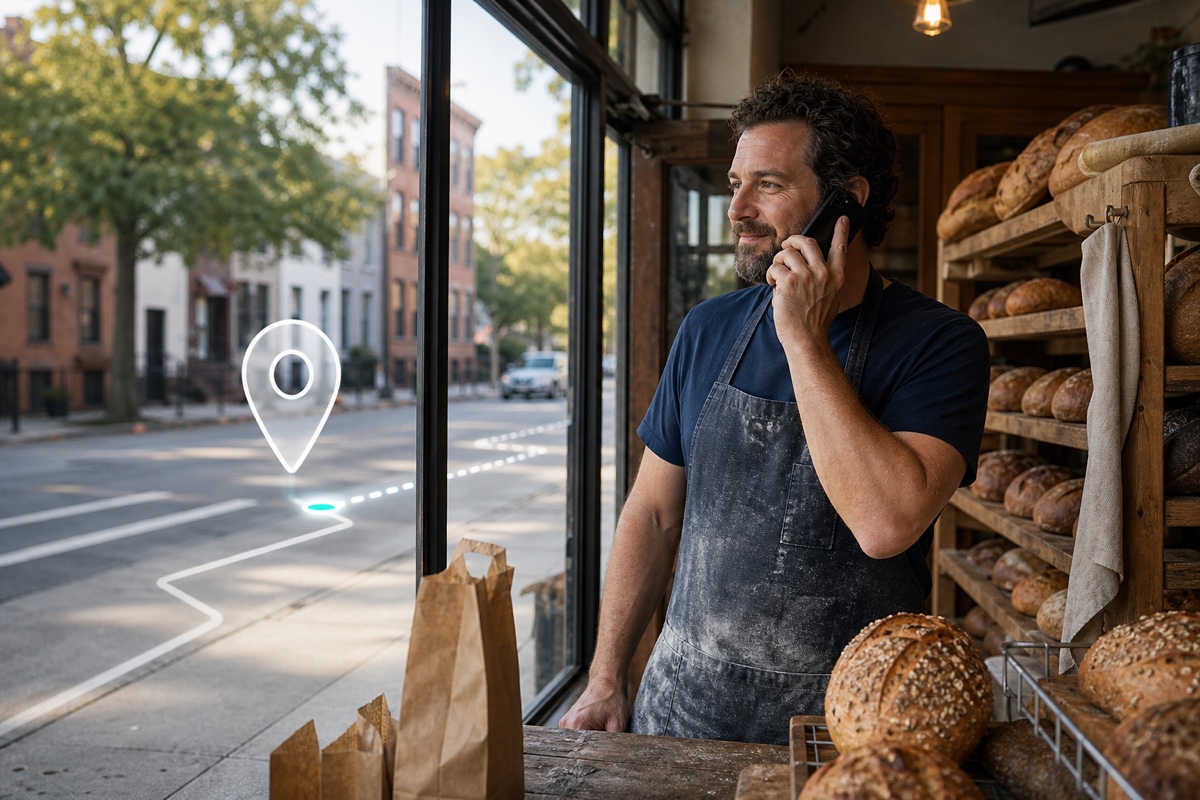
A local business phone number uses a geographic area code or local numbering format for a supported market. In VoxiPlus, an available number can lead to that location's greeting, business hours, team, IVR, voicemail, or another configured fallback. A multi-location service company can give each office its own contact point while one team manages the call flows. Inventory, eligibility, documents, and supported capabilities vary by country and number type.
Publish a local business number instead of a team member's personal mobile number.
Connect each available local number to the right hours, team, greeting, and fallback.
Keep call activity, recordings, voicemail, and texts visible in the business account.
Connect the local number to that office's hours, greeting, team, and unanswered-call path.
Use separate numbers for the areas customers call while keeping the team on one cloud phone system.
Publish the business number for customer calls instead of putting a teammate's mobile number on the website or listings.
Choose from the local number inventory supported for the business country and use case.
Route the number to a person, ring group, queue, IVR, voicemail, or Voxi.ai agent.
Set open and closed behavior, then add SMS where the selected number supports it or scheduling where the workflow needs appointments.
Practical answers about setup, call handling, and how this feature fits into VoxiPlus.
Yes. Multiple numbers can connect to distinct call flows, teams, locations, or reporting views, depending on the workspace configuration.
SMS support depends on the selected number and country. Eligible numbers can use native VoxiPlus business messaging.
Eligible local numbers can be submitted for porting. Carrier, country, and documentation rules determine the transfer process.
Choose an available local number and connect it to the hours, team, and fallback for that area.