
A caller is ready to book
Use the requested service and configured rules to check live availability before confirming a slot.
Connect a VoxiPlus call to configured Voxiplan availability when the caller needs a scheduled next step.
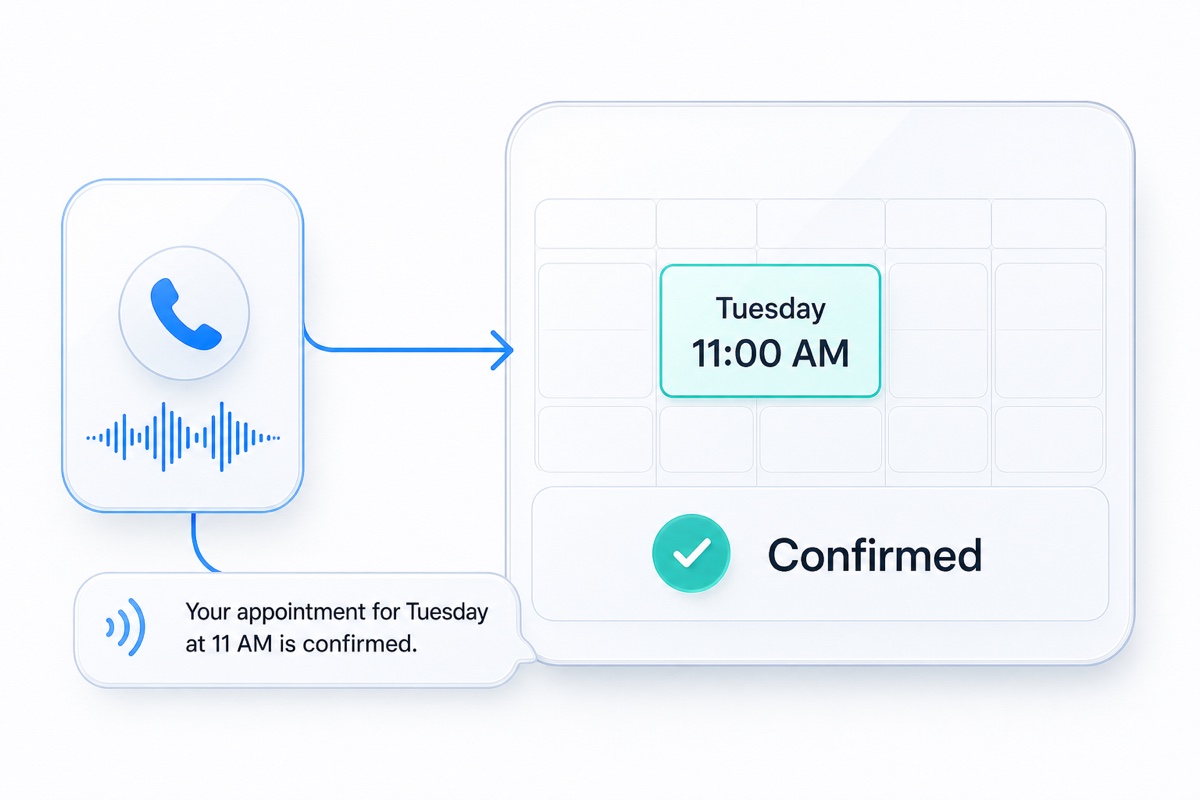
Native scheduling with Voxiplan connects a VoxiPlus call flow to the appointment services and availability configured in Voxiplan. When a caller is ready, the workflow can check eligible times and, where enabled, book, reschedule, or cancel an appointment using the relevant staff, location, resource, duration, buffer, and notice rules. It turns appointment-ready calls into a clear next step without making scheduling part of every call.
Use the configured service, staff, resource, location, timing, and booking rules.
Move the caller through the approved appointment workflow without making scheduling the whole phone-system story.
Use the configured duration, buffers, notice windows, staff, resources, and locations before offering a time.
Use the caller's request and any required qualification details.
Review live availability, duration, buffers, notice windows, staff, resources, and locations.
Create or change the appointment, then send the configured confirmation and follow-up.
Practical answers about setup, call handling, and how this feature fits into VoxiPlus.
No. Scheduling is a native integration for appointment-led workflows, not a requirement for the phone system.
Yes, when the relevant Voxiplan service, availability, rules, and call workflow are configured.
Yes, when rescheduling and cancellation are enabled in the native Voxiplan workflow for that service and call path.
Keep VoxiPlus in charge of the call, then use native Voxiplan availability and booking rules only when a scheduled next step is needed.