
Which recent calls still need attention?
Filter the relevant period, find calls that did not complete, and open the related activity before taking the next step.
Review available call details in one searchable view to understand activity and plan follow-up.
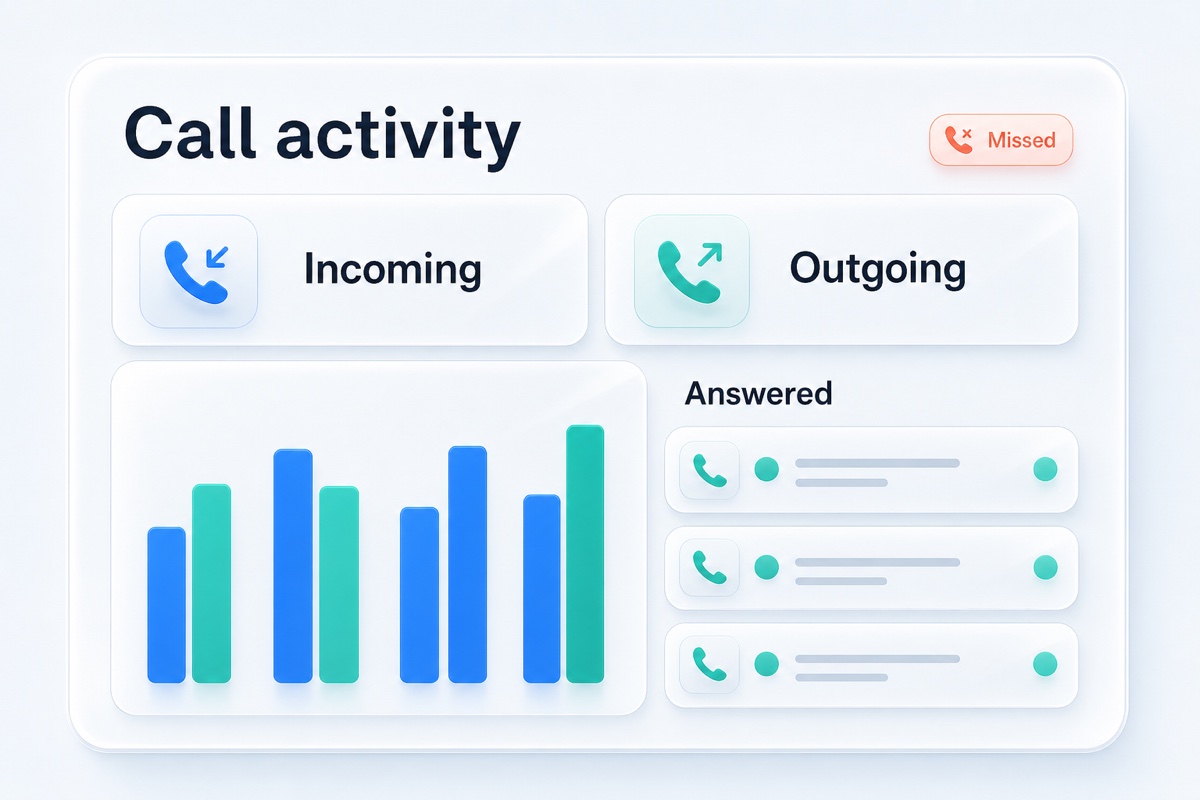
Business call reporting is a searchable record of the call activity available in your VoxiPlus workspace. It can show details such as date, time, caller, direction, status, duration, destination, and links to related recordings or SMS when those exist. Teams can use the report to find missed calls and review routing outcomes. The surrounding customer context helps them decide what to do next.
See incoming or outgoing activity and whether the call processed, forwarded, or did not complete.
Review when the call happened, how long it lasted, and where it went.
Open the recordings or text activity associated with the call when available.
Focus on the period the team needs to review.
Find the caller, status, destination, or other visible context.
Review recordings, SMS, or the customer conversation before taking action.
Filter the relevant period, find calls that did not complete, and open the related activity before taking the next step.
Search for the call and inspect its destination, status, and duration before changing the route.
Open an available recording or related SMS activity from the call record before continuing the conversation.
Practical answers about setup, call handling, and how this feature fits into VoxiPlus.
The VoxiPlus report includes date, time, duration, caller, direction, status, destination, and available recording and SMS context.
Yes. The report includes a date-range filter and text search.
Calls with recordings link to the related recording view.
Use direction, status, duration, destination, and related activity to answer the team's next operational question.