
Check your number
Check whether its country, number type, and current carrier are eligible for porting.
Transfer an eligible business number to VoxiPlus and keep the customer-facing contact point you already use.
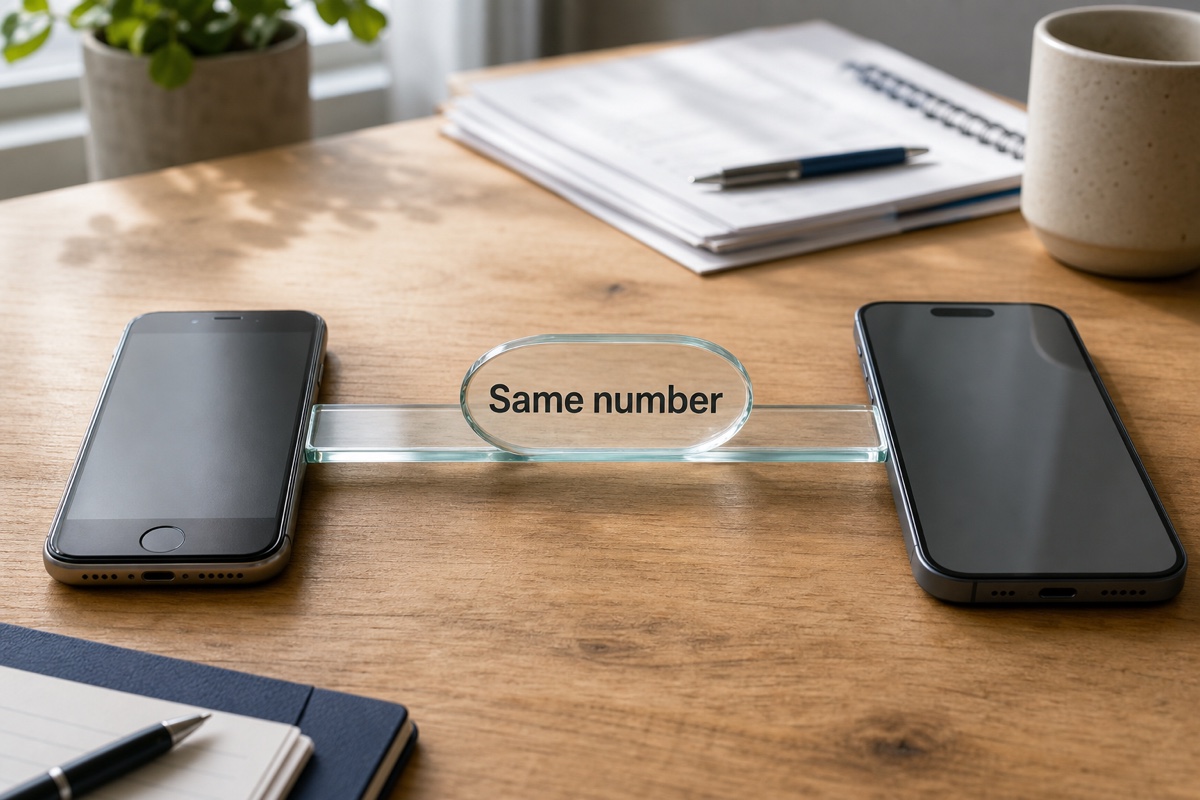
Business phone number porting is the carrier-managed transfer of an existing number from one provider to another. For an eligible number, the business submits matching ownership details and keeps the current service active while the request is processed. After the transfer is confirmed, the same customer-facing number can use the greetings, forwarding, business hours, voicemail, and other call paths prepared in VoxiPlus. Once the transfer is complete, customers can continue using the same number.
Eligibility, documents, and timing vary by country, number type, and current carrier. Check the number before planning the switch.
Check eligibility first, submit the information held by the current carrier, and keep the existing service active until completion is confirmed.
Check whether its country, number type, and current carrier are eligible for porting.
Provide the ownership information and documents held by the current provider.
Do not cancel or change the existing number service until the port is confirmed and the VoxiPlus path has been tested.
Start your number transfer.
Get startedAfter a successful port, the eligible number already used on cards and listings remains the customer-facing number.
Once moved, the number can use the menu, forwarding, business hours, and voicemail configured in VoxiPlus.
Keep the old service active during the request, then test the VoxiPlus path after completion is confirmed.
Keep an eligible established number as the familiar contact point after it moves to VoxiPlus.
Move an eligible number away from the old phone setup while preserving the number customers call.
Check each number separately, then manage successful ports from the same VoxiPlus workspace.
Why established service teams may choose to port rather than publish a replacement number.
Keep an eligible number already printed on vehicles, estimates, and local listings.
Learn more →Preserve an eligible number already shared across signs, listings, and client contacts.
Learn more →Keep an eligible practice number patients already recognize while the phone workflow changes behind it.
Learn more →Practical answers about setup, call handling, and how this feature fits into VoxiPlus.
No. Eligibility depends on the number type, country, current carrier, and whether the ownership information can be validated.
Timing varies by carrier, country, number type, and document review. Check the specific number before planning the switch.
No. Keep the current service active until the transfer is confirmed and the new VoxiPlus call path has been tested.
Some landline and mobile numbers may be eligible. VoxiPlus checks the country, number type, carrier, and account details before the request proceeds.
You will generally need the account and ownership details held by the current provider, along with any documents required for that number and country.
Multiple numbers can be submitted where supported, but each one needs its own eligibility and document check.
Check eligibility, prepare the matching details, and build the VoxiPlus destination before the carrier transfer completes.