
Create a group
Sales, support, front desk, or a location: use one group for one clear type of call.
Add the right people to a ring group. When a call comes in, their phones ring and only the first person who answers is connected to the caller.
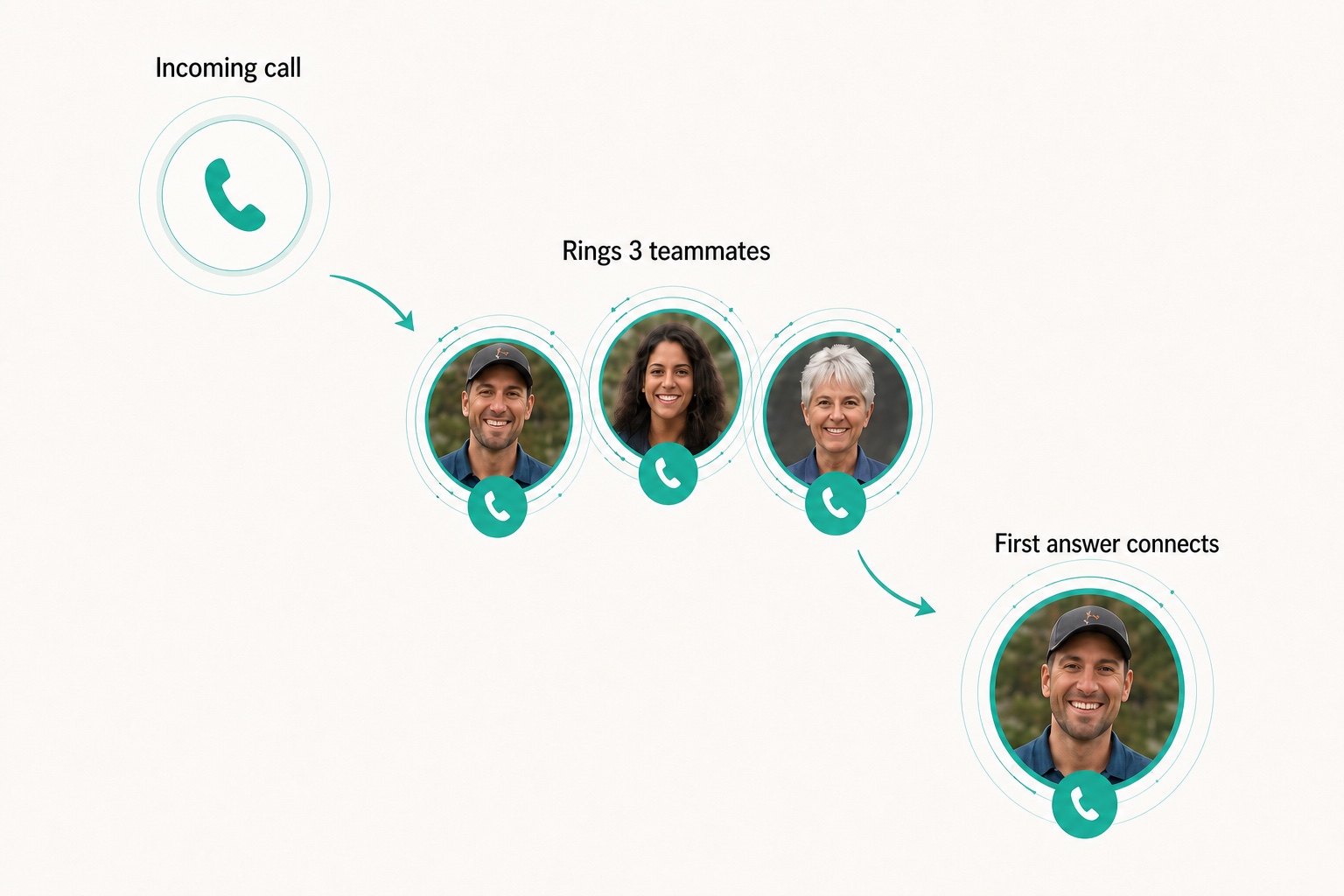
A ring group is a set of teammates who share the same type of incoming call. When a call reaches the group, the configured phones ring so an available member can answer. Sales teams, front desks, support staff, or one office location can each have their own group, spreading calls across the people responsible without exposing personal numbers.
A ring group shares one incoming call across teammates; a queue holds several callers while they wait.
Choose the shared responsibility, add the right teammates, and decide where an unanswered call should go.
Sales, support, front desk, or a location: use one group for one clear type of call.
Include the people responsible for answering that call type on their configured devices.
If nobody answers, send the call to voicemail or another configured destination.
Create your first ring group.
Get startedConnect each phone-menu choice to the team responsible for that kind of call.
Let group members share incoming calls instead of relying on one fixed answer point.
When one teammate is already occupied, another group member can take the incoming call.
Let several responsible teammates share reception calls instead of sending everything to one person.
Keep the group available when one member steps away or is not working.
Let each office or location answer the calls it owns without a central switchboard.
How businesses like yours use ring groups.
Practical answers about setup, call handling, and how this feature fits into VoxiPlus.
Group size depends on your account setup. Keep membership focused on the people who genuinely handle that kind of call.
Calls ring the phones set for each group member, such as a mobile or desk phone.
You can update group membership when someone is away or responsibilities change.
The call follows the fallback configured for the group, such as voicemail or another supported destination.
A teammate can belong to more than one group when your account setup supports it. Keep each group tied to a clear responsibility.
VoxiPlus has no monthly seat plans. The team shares one pay-as-you-go credit balance.
Create a group for one shared responsibility and give unanswered calls a clear fallback.