
Record a greeting
Record a short greeting in your own voice and list the choices callers can make.
Give callers simple keypad choices that lead to the right person, team, message, or voicemail.
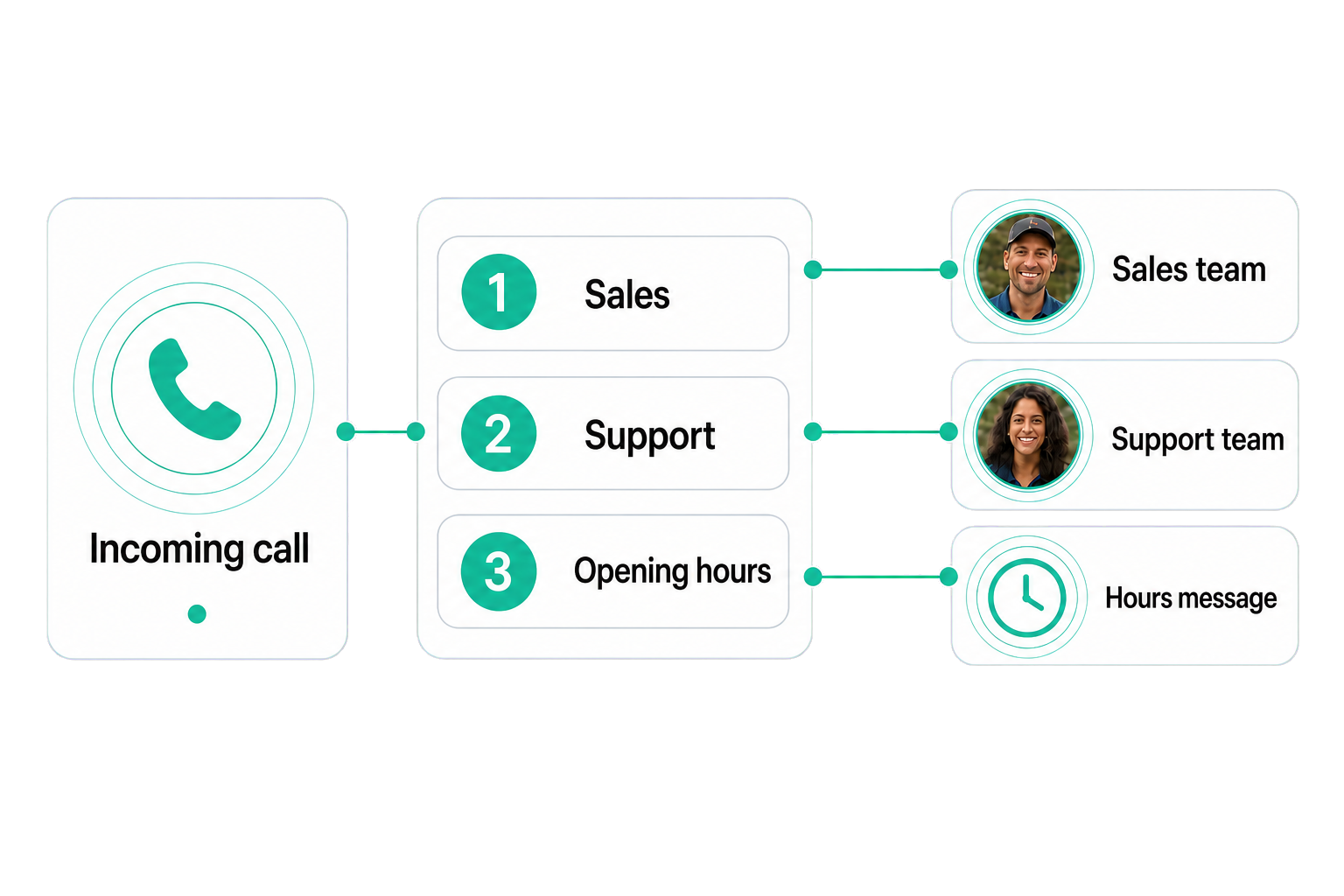
An IVR phone menu is a recorded greeting that lets callers choose what they need by pressing a number. Each key can follow a configured path to a person, department, ring group, message, or voicemail. A small business might use 1 for Sales, 2 for Support, and 3 for opening hours, helping callers reach the most useful next step without waiting for a receptionist.
Record the greeting, connect each choice to a destination, and update the call path when your business changes.
Record a short greeting in your own voice and list the choices callers can make.
Press 1, press 2: each option points to a person, team, message, or voicemail.
Check every selection and fallback before making the menu available to callers.
Set up your phone menu.
Get startedCallers choose once and follow a clear path to the person or team responsible for the request.
Put stable information such as hours, address, or directions in the greeting when a live handoff adds no value.
When the team is closed, callers can hear an honest message and continue to the configured fallback.
Every call starts with the same clear greeting, even when the team is busy.
New enquiries and existing customer requests each follow the right call path.
Share hours, location, or directions in the greeting when the caller does not need a person.
How businesses like yours use their phone menu.
Practical answers about setup, call handling, and how this feature fits into VoxiPlus.
You can use your own voice for the greeting. Other greeting options may be available depending on your account setup.
The menu can support multiple choices, but two to four clear options are usually easiest for callers to remember.
The call follows the default path you configure, such as replaying the options, reaching the front desk, or going to voicemail.
You can add recorded greetings in the languages your callers need. Keep the choices consistent across each version.
Yes. Update the greeting, choices, destinations, and fallbacks when the business workflow changes.
The menu runs as part of the cloud phone system rather than an on-premise PBX. The devices your team uses to answer depend on the account setup.
Set up your number, record the greeting, and connect each choice to the right call path.