
A caller follows up by SMS
Review the earlier call and the message thread before answering the new question.
Review available call and SMS activity before your team continues the customer conversation.
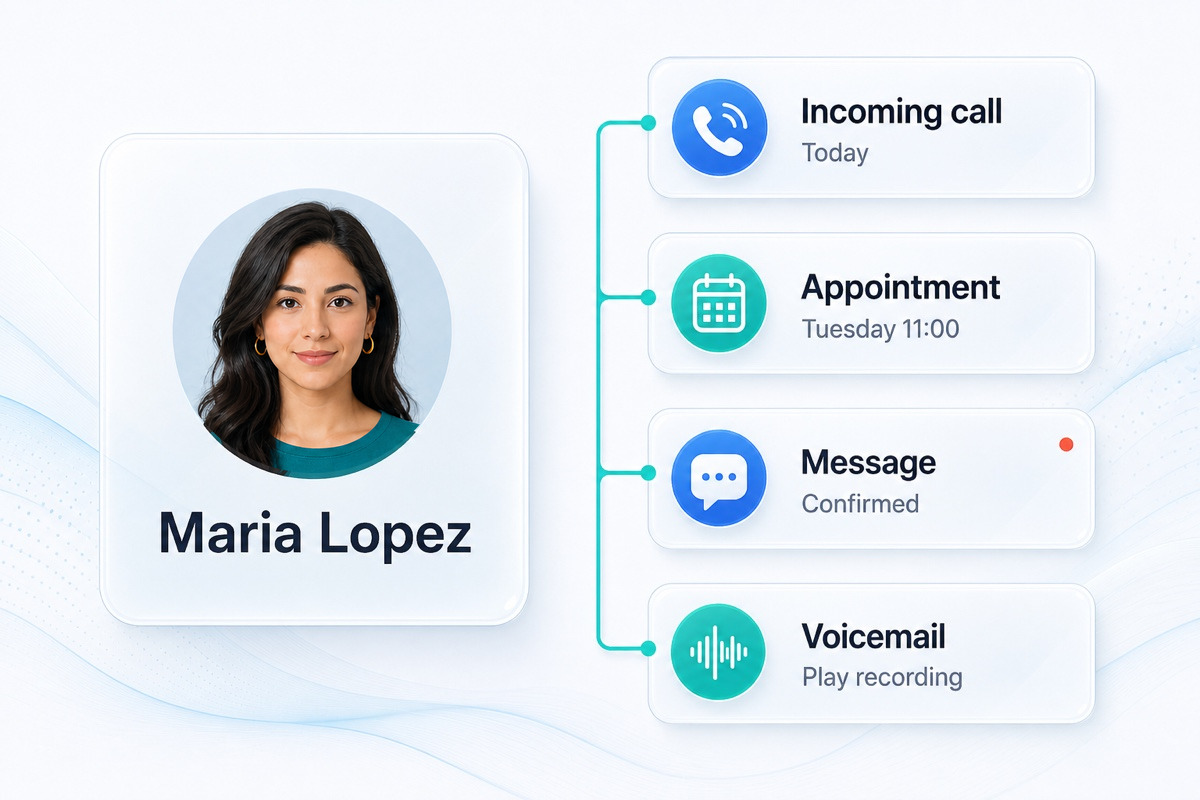
Customer contact history is the available record of calls, business SMS, voicemail, recordings, and follow-up activity associated with a customer conversation in VoxiPlus. A teammate can review recent interactions, open the source details that exist, and continue by phone or text with better context. It supports practical handoffs, but it does not replace a CRM or include every customer interaction.
Check direction, time, status, destination, and the related recording context where available.
See the operational follow-up and inbound replies connected to the customer.
Place a call, reply by text, route the request, or continue the relevant customer workflow.
Start from the caller, contact, number, or recent activity available to the workspace.
Use calls, voicemail, SMS, recordings, and workflow details to understand the request.
Call, text, transfer, or continue the configured workflow with the earlier context still visible.
Review the earlier call and the message thread before answering the new question.
Use the available call and message activity to understand what the customer has already explained.
Open the message or recording from the related activity before deciding how to continue.
Practical answers about setup, call handling, and how this feature fits into VoxiPlus.
The available context can include calls, statuses, destinations, recordings, voicemail, SMS activity, and related workflow details.
They appear when the configured phone workflow creates them and associates them with the related call activity.
No. Call reporting provides the searchable call view, while contact history brings available calls and messages into the customer conversation.
Keep calls, messages, and customer context together so the next action is easier to see.