
Pick an eligible number
Choose a business number that supports SMS in your country and account setup.
Send and receive practical customer texts on an eligible business number without exposing a personal number.
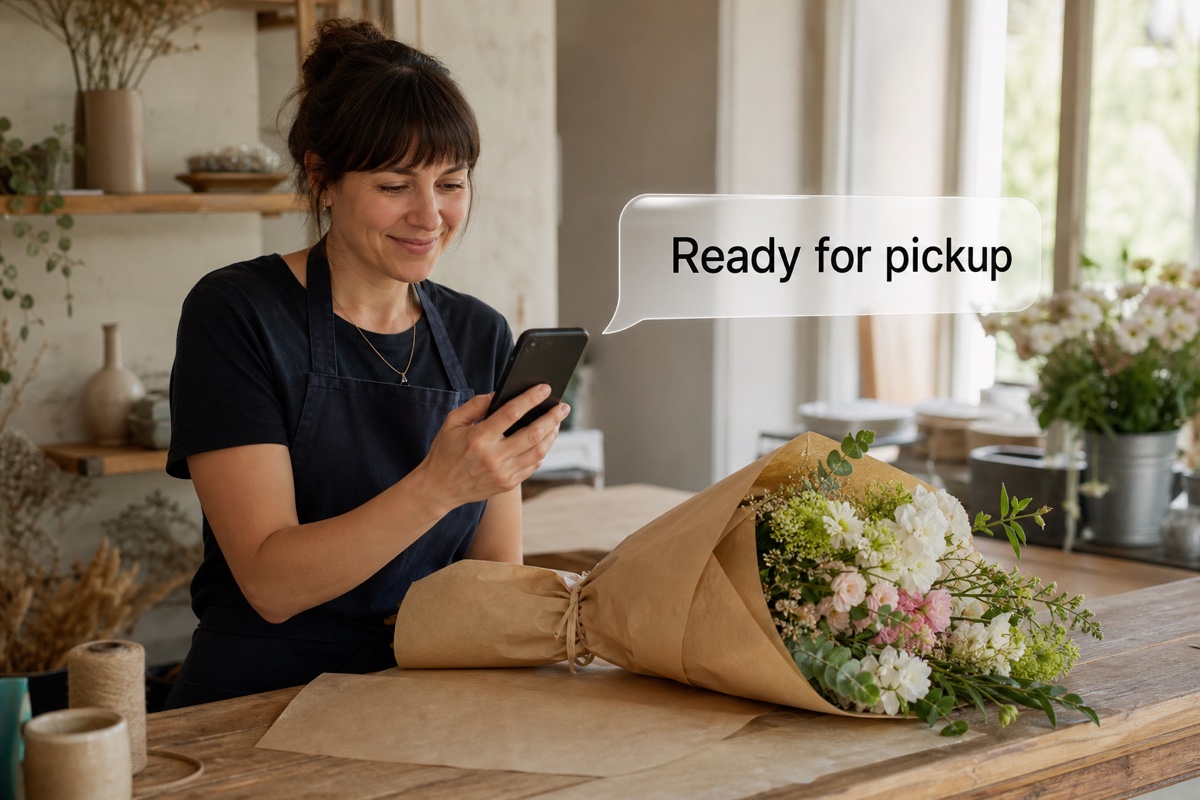
Business SMS lets you send and receive text messages on an eligible VoxiPlus number when messaging is supported for that number, country, and account. Use it for practical one-to-one conversations such as confirmations, reminders, missed-call follow-up, and quick customer questions. Message activity stays with the related call context, so the conversation can continue without exposing a personal number.
SMS availability depends on the number, country, and account setup.
Choose an eligible number and decide how your team will handle replies.
Choose a business number that supports SMS in your country and account setup.
Decide who checks the business conversation and who follows up with the customer.
A teammate writes and sends the message from the business conversation.
Try a business text from your VoxiPlus number.
Get startedUse the business conversation for practical details that customers need to keep or answer.
A teammate can send a concise response when the team could not pick up.
Put the time, address, link, or next action in a message the customer can revisit.
Let the next teammate see the call and message context before replying.
Confirm the time, address, or preparation details after the call.
Send an opening time, location, link, or short instruction in writing.
Follow up with a clear status or next action, then keep the customer's reply with the conversation.
See how teams can use a short text to keep customers informed.
Confirm bookings and give customers the details they need before they arrive.
Learn more →Follow up on missed calls and keep customers updated while the team is in the field.
Learn more →Send the agreed next step while the conversation is still fresh.
Learn more →Practical answers about setup, call handling, and how this feature fits into VoxiPlus.
It depends on the number type, country, carrier, and account setup. Porting may be available when the number is eligible.
Messages sent through VoxiPlus business texting use the selected business number, not a teammate's personal number.
Teammates with access can handle replies from VoxiPlus. Decide who owns each reply so customers are not left waiting.
The message stays with the business conversation for the team to review and answer during its normal workflow.
Yes, on eligible numbers. A teammate can send practical messages such as booking reminders, confirmations, addresses, and next steps.
Native business SMS uses VoxiPlus credits. The separate VoxiSMS option can use an Android phone and carrier plan.
Follow up after a call, send the useful details, and keep the reply with the business conversation.