
A recognizable mobile number matters
Choose the own-number route when customers already know the mobile number connected to the Android device.
Connect an Android phone and SIM through VoxiSMS when customers should receive messages from that mobile number.
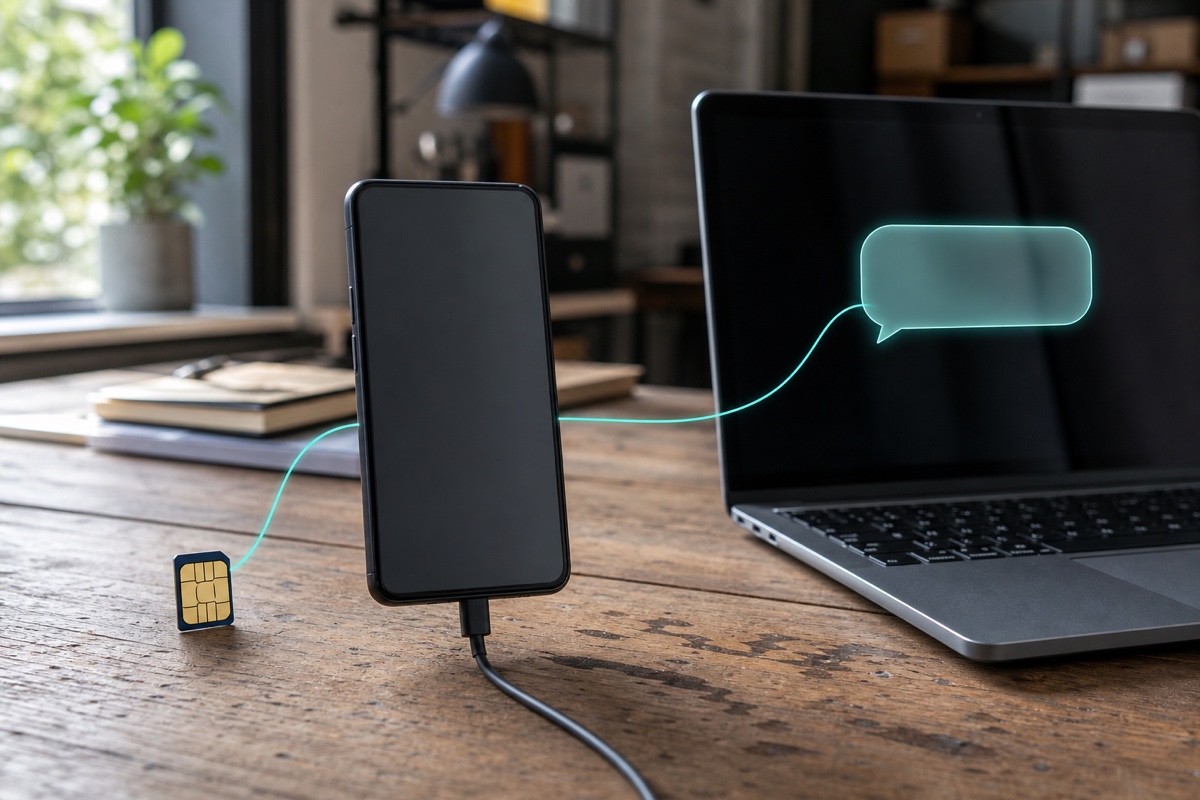
VoxiSMS own-number SMS is an optional integration that sends supported business messages through a connected Android phone, active SIM, mobile number, and carrier plan. It is separate from native VoxiPlus SMS for eligible business numbers. Choose it when customers should recognize the mobile sender and your team can keep the device powered, connected, and available for the approved messaging workflow.
Send supported operational messages through the connected device and carrier plan.
Use the mobile number customers already recognize when that is the right delivery model.
Use VoxiSMS as the messaging delivery route while the VoxiPlus phone system remains a separate product surface.
Use a compatible phone, active SIM, mobile number, and carrier plan.
Authorize the device and configure the messaging route for the approved workflow.
Keep the Android phone powered, connected to the mobile network, and available for the messaging route.
Choose the own-number route when customers already know the mobile number connected to the Android device.
Use VoxiSMS when the team can keep the Android phone, SIM, and mobile connection available for messaging.
Use an eligible VoxiPlus business number and the native credit model when the workflow does not need a dedicated Android and SIM route.
Practical answers about setup, call handling, and how this feature fits into VoxiPlus.
Yes. The own-number delivery model uses a connected Android phone, SIM, mobile number, and carrier plan.
No. Message delivery uses the connected carrier plan and remains subject to that plan's costs and terms.
Use native SMS when an eligible VoxiPlus number and credit-based delivery fit the workflow better than a dedicated Android and SIM route.
Compare the own-number Android and SIM route with native VoxiPlus SMS, then choose the model that fits your workflow.