
Only the timing matters
State the business, date, and time without adding details that do not help the customer prepare.
Restate the time, place, preparation, or action a customer needs before a planned appointment or service.
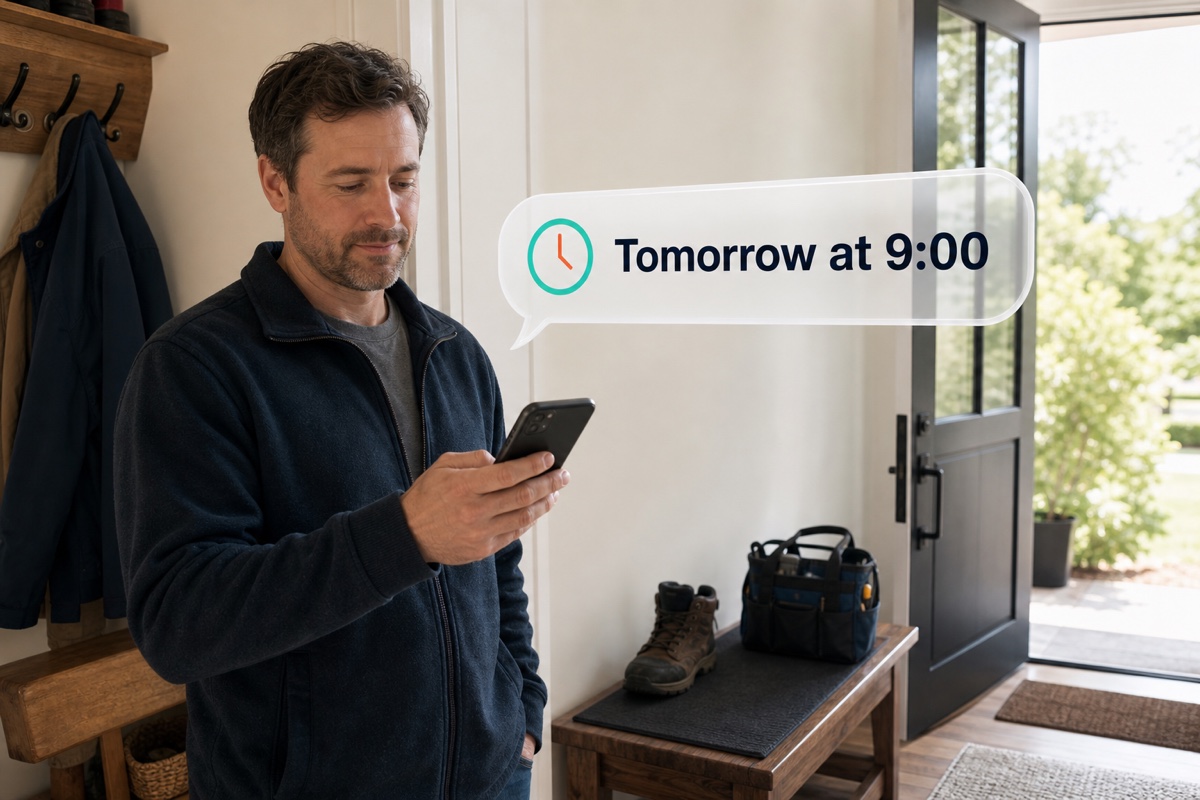
An SMS reminder is a short message sent before a planned appointment, visit, consultation, or other customer action. It identifies the business and restates the date, time, location, link, or preparation step that matters. Use details from the configured messaging workflow or, for appointments, the connected Voxiplan workflow. Where replies are supported, tell customers how to raise a change or question.
Restate the scheduled time, location, and preparation information.
Confirm the arrival window or action needed before a visit.
Give the customer the time and context for an upcoming phone or in-person conversation.
Use the booking, service, or follow-up context that contains the correct timing.
Include the minimum detail the customer needs to recognize and act on the message.
Handle an inbound question, change, or confirmation in the related conversation.
State the business, date, and time without adding details that do not help the customer prepare.
Add the one instruction, location, or link the customer needs before the appointment, visit, or consultation.
Send an updated reminder that makes the current arrangement clear rather than leaving the earlier information ambiguous.
Practical answers about setup, call handling, and how this feature fits into VoxiPlus.
A message can include the relevant approved link when the workflow and selected messaging route support it.
Yes, when the selected number supports two-way SMS.
Not every operational reminder requires scheduling. Voxiplan is the native integration when the reminder is tied to an appointment workflow.
Send the time, place, or action customers need before the scheduled next step.