
Turn on transcription
Enable transcription for the voicemail destination you want to review as text.
Turn a voicemail recording into readable text for quick review while keeping the original audio available.
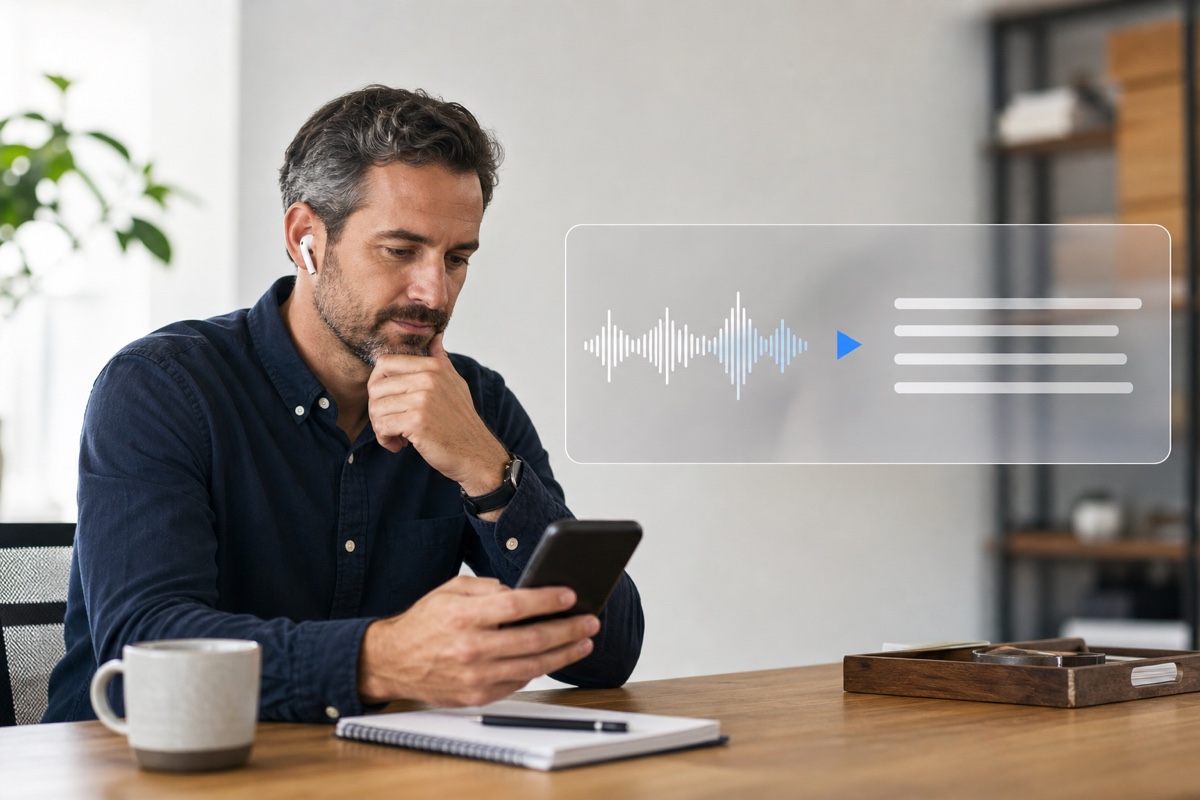
Voicemail transcription converts the speech in a voicemail recording into readable text linked to the original audio. A teammate can scan the transcript to understand the request, decide who should respond, and listen only when more context is needed. Transcripts can be imperfect, especially with names, phone numbers, accents, or background noise, so check important details against the recording.
Use the transcript for quick review. Check names, numbers, and unclear wording against the original audio.
Turn transcription on once and new voicemail can arrive as readable text alongside the recording.
Enable transcription for the voicemail destination you want to review as text.
The transcript and recording stay together in the voicemail context and configured email workflow.
Read the request first, then play the recording when a detail needs checking.
Turn voicemail messages into text.
Get startedSee at a glance whether a message can wait or needs attention.
Readable text helps you understand the request before handing it to a colleague.
Transcripts are for speed. Return to the original audio when accuracy matters.
Skim several messages and identify the requests that need attention first.
Read a message when playing audio out loud would interrupt the room.
Give a colleague the written context before they continue the follow-up.
How service teams use transcripts during a busy day.
Front-desk teams can review routine messages between appointments and check the recording when details matter.
Learn more →Client voicemail becomes readable context for the person responsible for the account.
Learn more →See the reason for the call before deciding which follow-up belongs next.
Learn more →Practical answers about setup, call handling, and how this feature fits into VoxiPlus.
They are useful for quick review, but names, numbers, accents, background noise, and sound quality can affect the text. Check important details against the recording.
Yes. The transcript supports scanning and triage; it does not replace the original voicemail recording.
The transcript stays with the voicemail context and recording. A configured voicemail-to-email workflow can also bring the message into the responsible inbox.
VoxiPlus prepares the transcript after the caller finishes the message. Processing time can vary with the recording.
Use it to find the relevant part of the message, then verify names, numbers, and other critical wording against the audio.
Yes, when voicemail-to-email is configured for that destination. The inbox workflow keeps the message visible while the original recording remains available for review.
Turn on voicemail transcription, skim the request, and return to the recording when exact wording matters.